A science corner
Start with a small group of physical science exhibits. Define the available floor or wall area, student activity and supervision.

SCHOOL SCIENCE CORNERS · CORRIDORS · CAMPUS GALLERIES
Interactive science exhibits for school corners, discovery corridors and campus science galleries. Start with the students, their activity and the available space.
START WITH THE SPACE
Define the student age range, learning themes, supervision and available space before choosing a collection.
Start with a small group of physical science exhibits. Define the available floor or wall area, student activity and supervision.
Plan short interactions along a shared route. Discuss clear circulation, readable explanations and access to the moving or electrical parts.
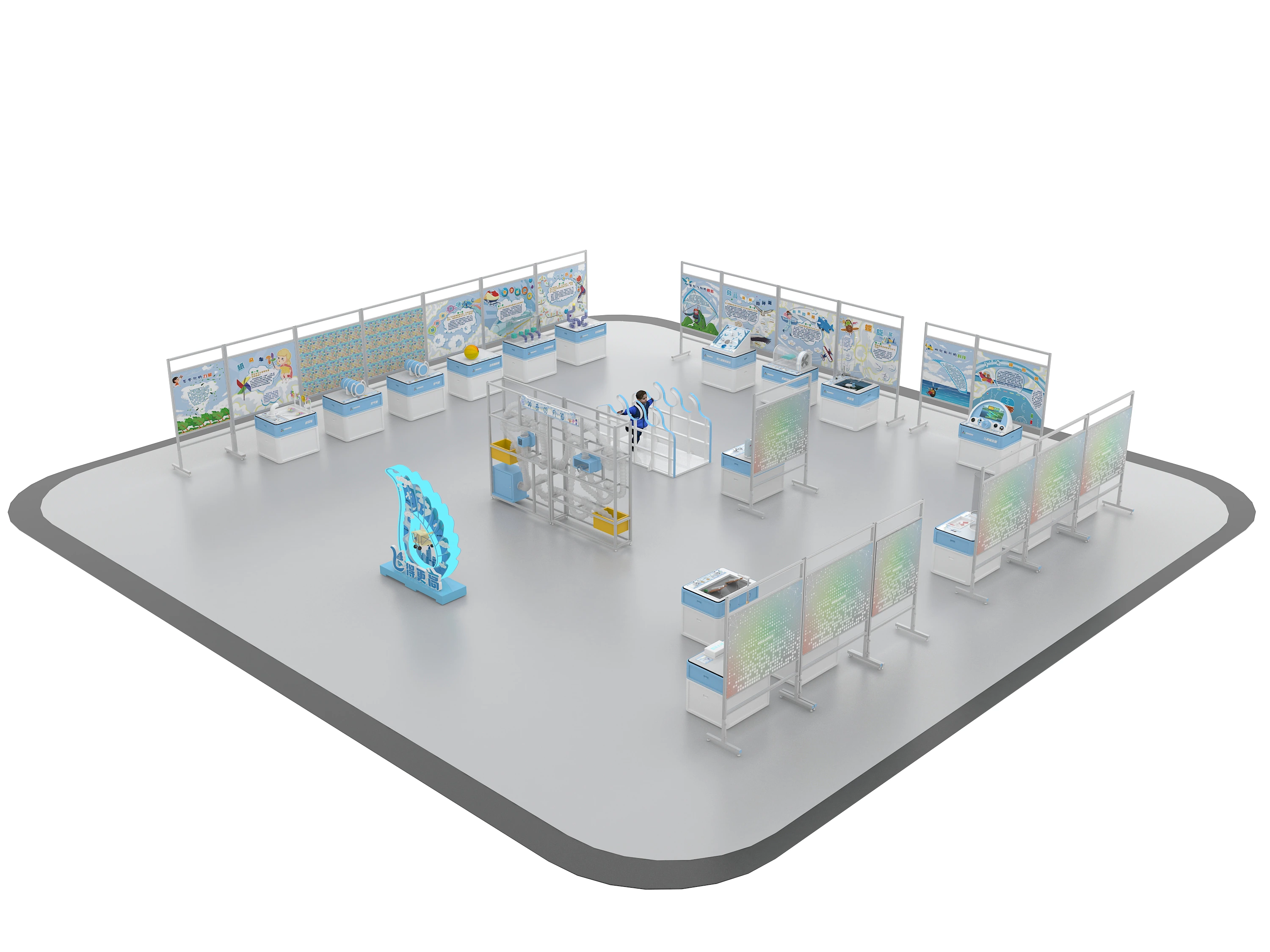
Bring individual stations and a larger focal installation into one learning space, with a clear route and room for student groups.
FROM SETTING TO EXHIBIT LIST
Compare the STEM collection by science topic, then coordinate the visitor positions, circulation, installation access and operating instructions for your school.
Find a science topic View the illustrative collection layout See a photographed school-gallery referenceFROM CONCEPT TO TURNKEY DELIVERY
Share the student age range, room plan, learning themes and activities you want students to try.