Find a visitor position
Read the participation notice and use a marked position outside the railing.

REFERENCE VIEWS · IMAGE SEQUENCE 15 sec
Photograph reference sequence
Compare Interactive Smile Capture Media Column in five labelled still views. A cylindrical media display and visible capture positions create a shared interactive gallery focal point.
Product details & project options Browse the video library · Page 39IMAGE VIEWING GUIDE
A large cylindrical display stands within a circular railing, with small camera-like units near its upper surround. The source names a smile-capture activity. The supplied programme can link visitor participation with displayed media, while the photograph does not establish identity recognition, emotion measurement or the exact image-retention method.
Read the participation notice and use a marked position outside the railing.
Take part only through the supplied interface and its stated consent process.
Observe the displayed result and follow the available reset or removal instruction.
This film sequences existing reference images. It is not continuous operating footage or a moving 3D simulation; final function and configuration follow the agreed project.
Product details & project optionsKEEP EXPLORING
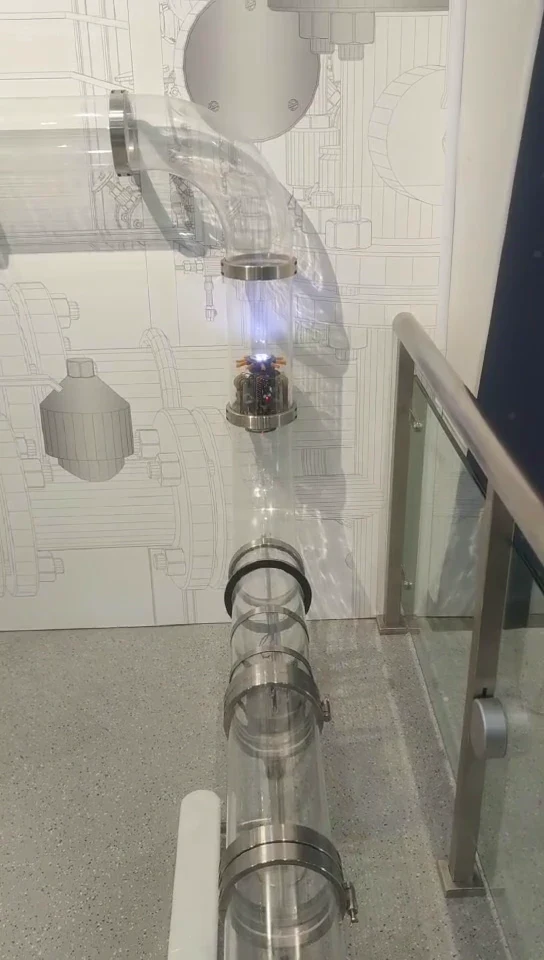
Robotics and mechanical models
Use a visitor console to follow a small robot through a visible pipe-network model.
Watch the demonstration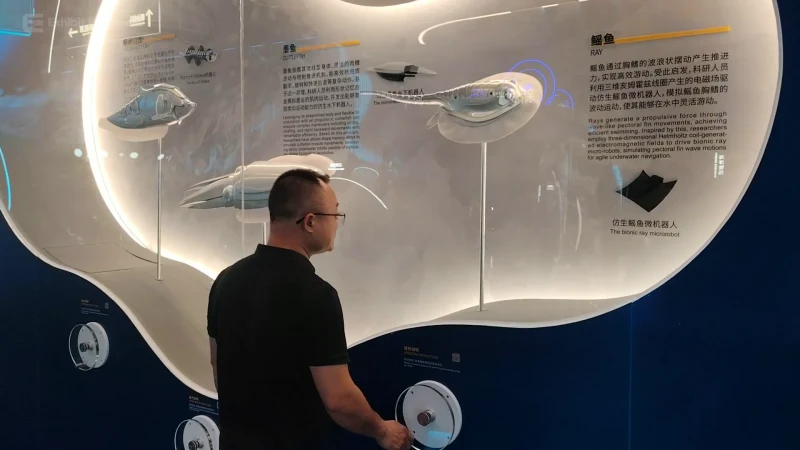
Robotics and mechanical models
Compare soft-bodied robotic forms on an illuminated wall-mounted learning display.
Watch the demonstration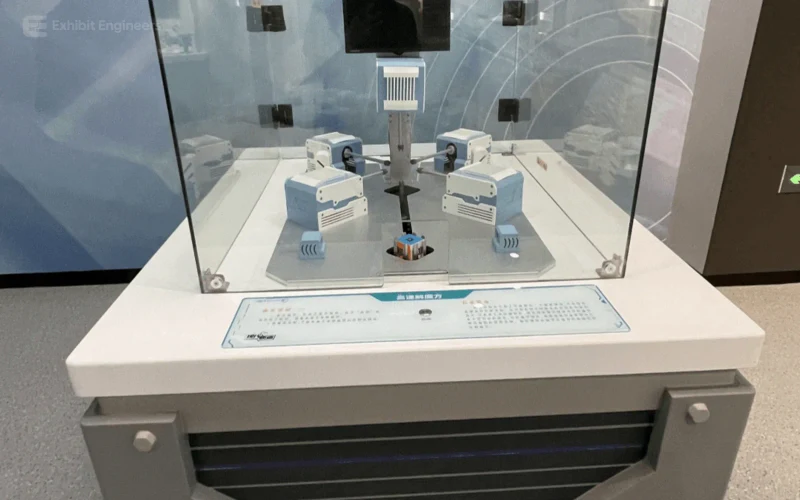
Robotics and mechanical models
Compare Cube-Solving Robot Exhibit in five labelled still views. Watch a protected cube-manipulating mechanism connect visual information, algorithms and a sequence of physical turns.
Project photograph
View the image sequenceFROM CONCEPT TO TURNKEY DELIVERY
Bring a sketch, a reference video or a project brief. Let’s discuss the experience, the site and the practical next steps.