Identify a coloured region
Look at the model before changing a control.

REFERENCE VIEWS · IMAGE SEQUENCE 15 sec
Photograph reference sequence
Compare Colour-Changing Chameleon Model Exhibit in five labelled still views. Explore a chameleon-shaped display and compare coloured regions through the supplied visitor controls.
Product details & project options Browse the video library · Page 42IMAGE VIEWING GUIDE
A large chameleon model stands above several front operating positions on a rectangular cabinet. Its colour patches create a clear focus for a light-and-colour comparison. The lesson can distinguish the exhibit's engineered colour changes from the biological processes used by living chameleons.
Look at the model before changing a control.
Use the labelled visitor control and observe the selected response.
Discuss which regions change and distinguish model effects from a living animal.
This film sequences existing reference images. It is not continuous operating footage or a moving 3D simulation; final function and configuration follow the agreed project.
Product details & project optionsKEEP EXPLORING
Life science and the human body
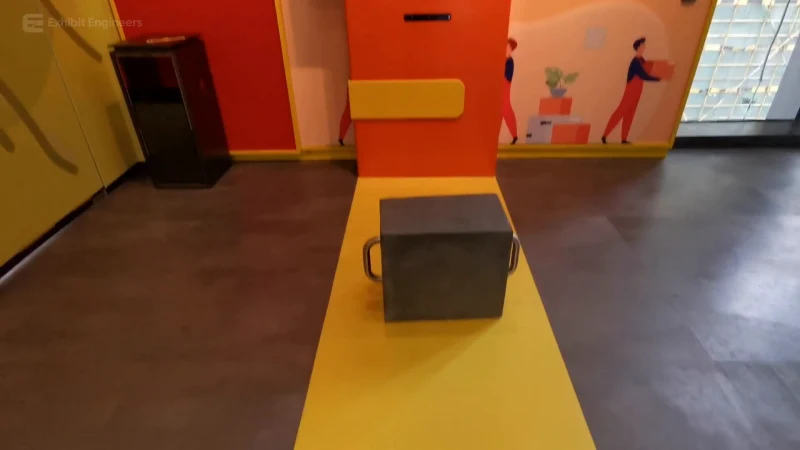
Compare illustrated lifting postures using a handled load and a screen-guided activity.
Watch the demonstration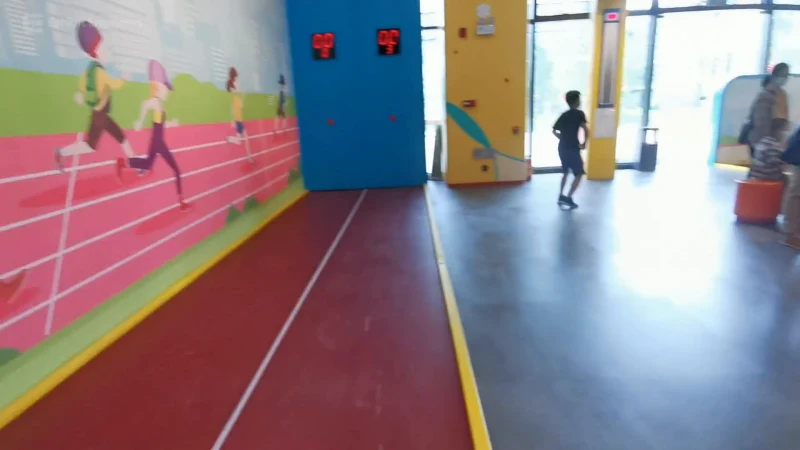
Life science and the human body
Use a marked indoor activity lane and compare a run with the response on the digital display.
Watch the demonstration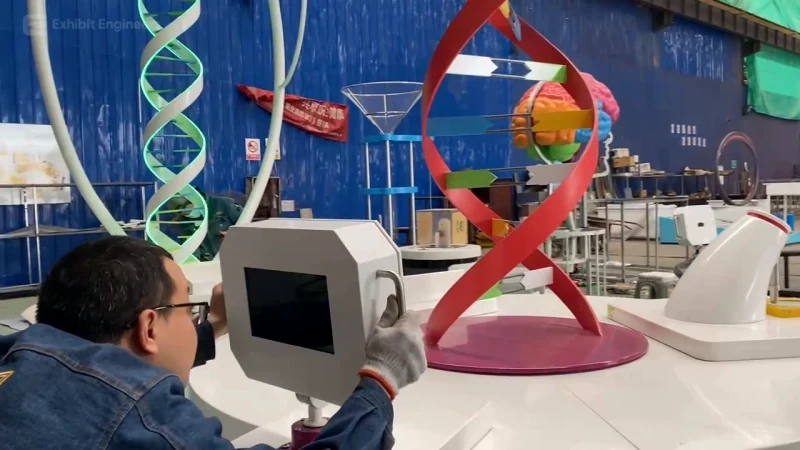
Life science and the human body
Bring a central DNA model and surrounding visitor stations together in a circular life-science learning island.
Watch the demonstrationFROM CONCEPT TO TURNKEY DELIVERY
Bring a sketch, a reference video or a project brief. Let’s discuss the experience, the site and the practical next steps.