Choose an illustrated stage
Identify an age or activity on the pedestal guide.

REFERENCE VIEWS · IMAGE SEQUENCE 15 sec
Photograph reference sequence
Compare Growth Milestone Learning Station in five labelled still views. Use a rotary-style visitor input and media display to explore illustrated stages of early development.
Product details & project options Browse the video library · Page 44IMAGE VIEWING GUIDE
A striped handle on a small pedestal faces a wall-mounted media display and illustrated age stages. Visitors can explore the selected milestones through a shared visual sequence. The lesson should present typical examples and individual variation rather than scoring a particular child's development.
Identify an age or activity on the pedestal guide.
Follow the permitted movement and view the related presentation.
Discuss the sequence while recognising that individuals develop differently.
This film sequences existing reference images. It is not continuous operating footage or a moving 3D simulation; final function and configuration follow the agreed project.
Product details & project optionsKEEP EXPLORING
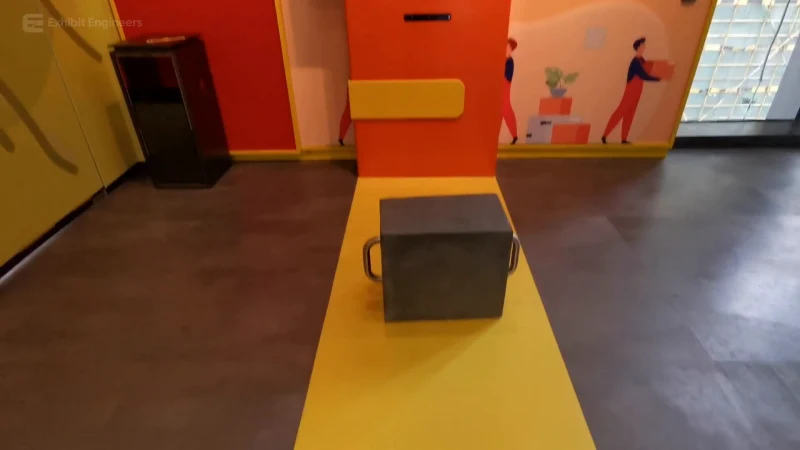
Life science and the human body
Compare illustrated lifting postures using a handled load and a screen-guided activity.
Watch the demonstration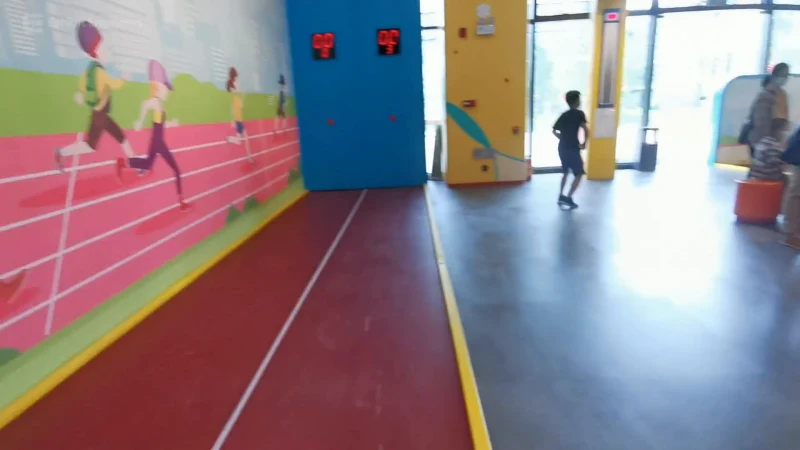
Life science and the human body
Use a marked indoor activity lane and compare a run with the response on the digital display.
Watch the demonstration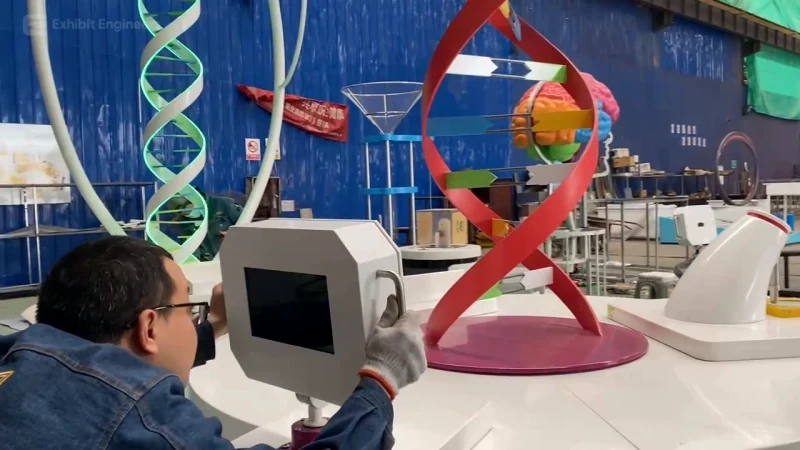
Life science and the human body
Bring a central DNA model and surrounding visitor stations together in a circular life-science learning island.
Watch the demonstrationFROM CONCEPT TO TURNKEY DELIVERY
Bring a sketch, a reference video or a project brief. Let’s discuss the experience, the site and the practical next steps.