Read the topic
Use the screen and interpretation to identify the learning question.

REFERENCE VIEWS · IMAGE SEQUENCE 15 sec
Photograph reference sequence
Compare Stress Awareness Media Station — Taizhou Configuration in five labelled still views. Use a pear-shaped media station and its separate console to introduce discussion about stress and the body.
Product details & project options Browse the video library · Page 51IMAGE VIEWING GUIDE
A large yellow pear-shaped housing frames a screen, with a round pedestal and a guarded small object in front. The accompanying wall discusses stress and body systems. The photographs establish the physical station; the input method, software response and any sensing function require a project specification.
Use the screen and interpretation to identify the learning question.
Follow the visitor instructions at the pedestal without opening the guarded unit.
Connect the displayed information with the lesson and distinguish an illustration from a personal diagnosis.
This film sequences existing reference images. It is not continuous operating footage or a moving 3D simulation; final function and configuration follow the agreed project.
Product details & project optionsKEEP EXPLORING
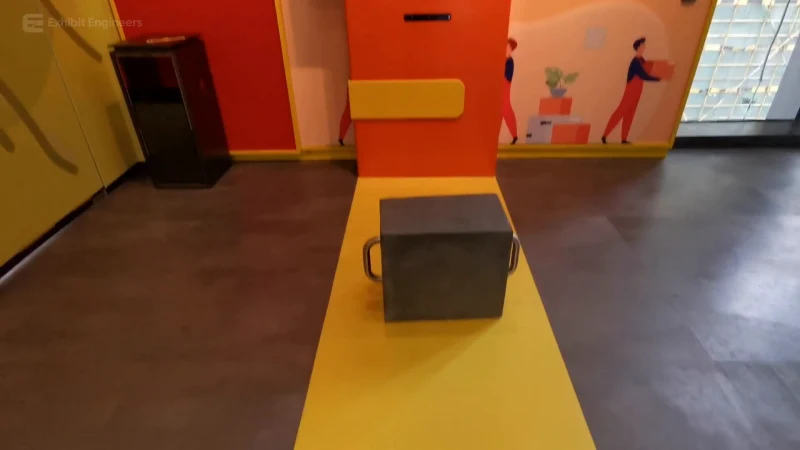
Life science and the human body
Compare illustrated lifting postures using a handled load and a screen-guided activity.
Watch the demonstration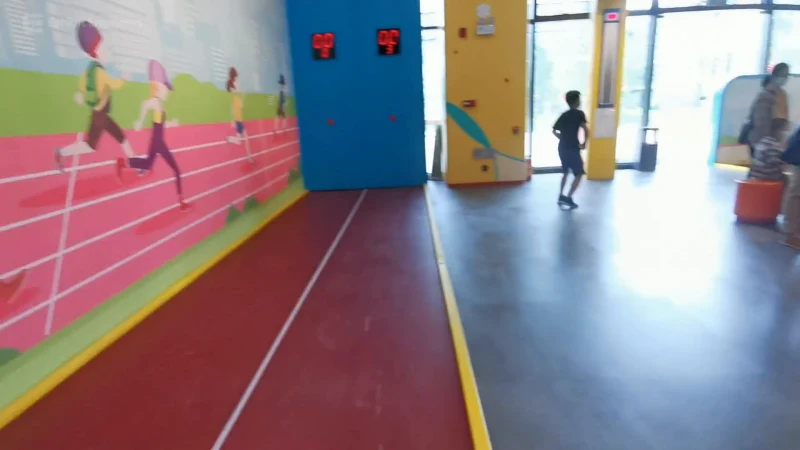
Life science and the human body
Use a marked indoor activity lane and compare a run with the response on the digital display.
Watch the demonstration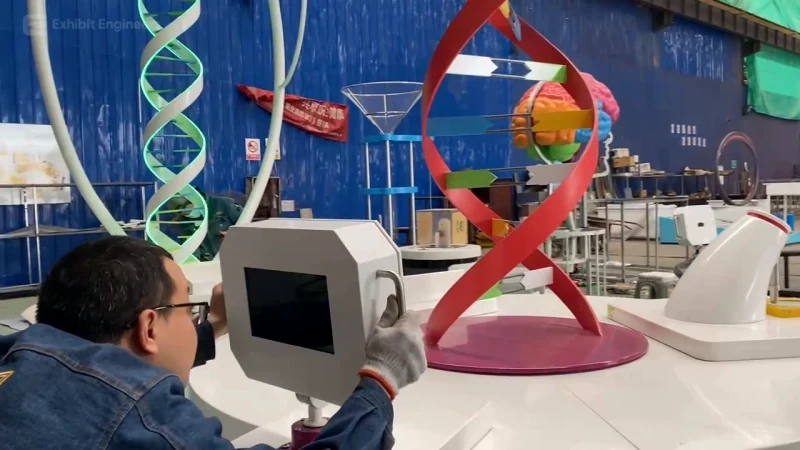
Life science and the human body
Bring a central DNA model and surrounding visitor stations together in a circular life-science learning island.
Watch the demonstrationFROM CONCEPT TO TURNKEY DELIVERY
Bring a sketch, a reference video or a project brief. Let’s discuss the experience, the site and the practical next steps.